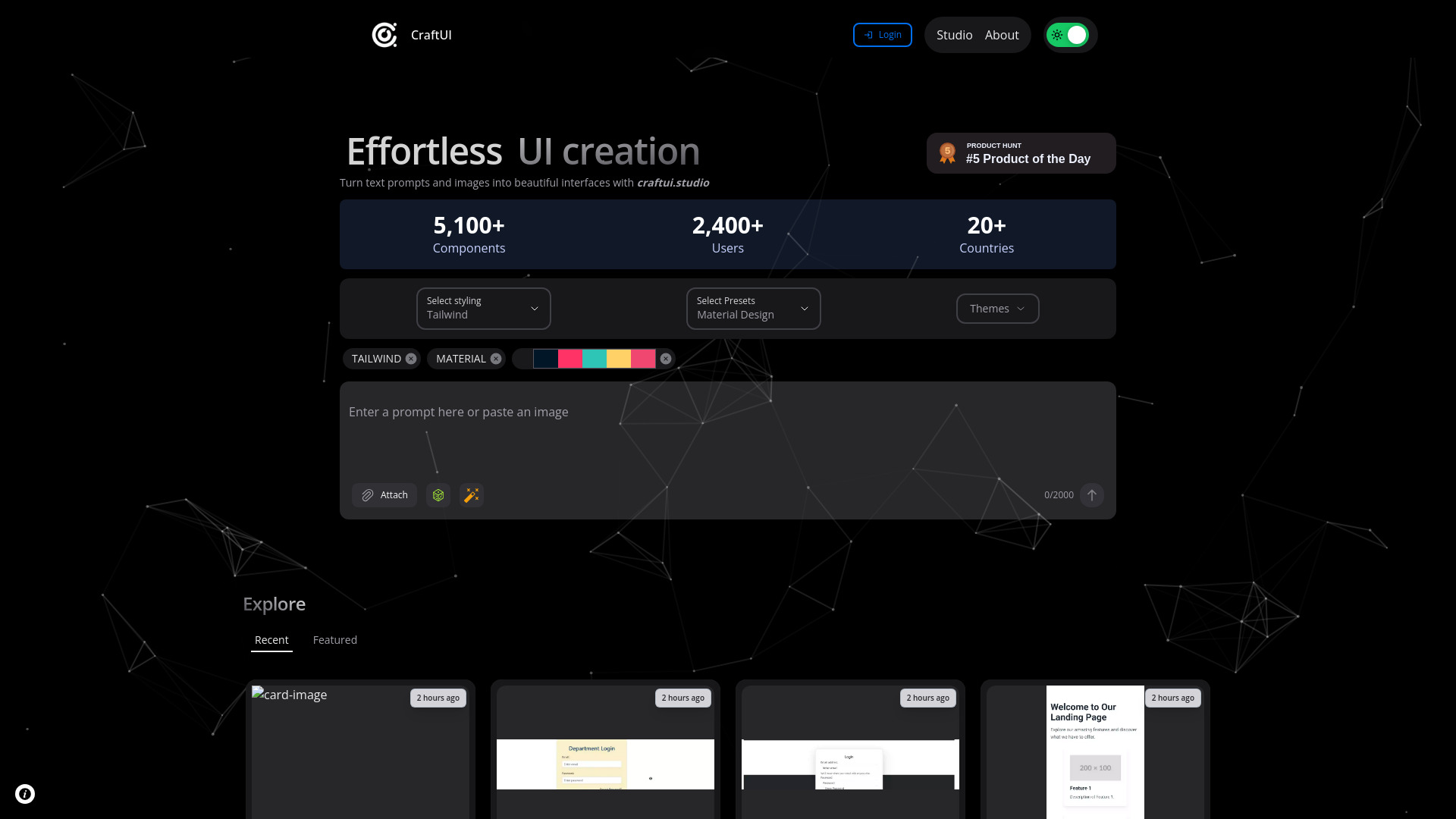
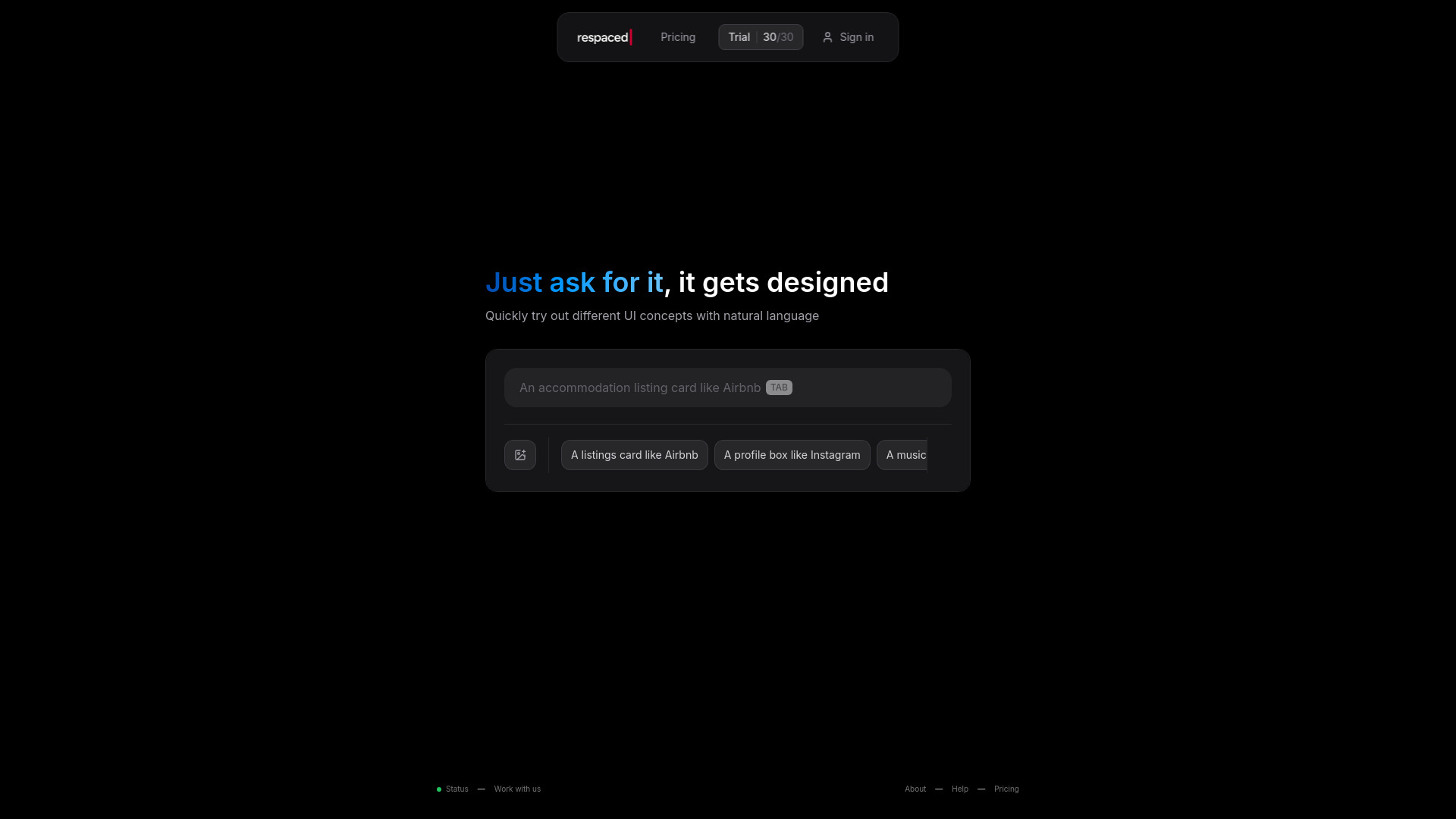
UXMagic.ai is an AI-powered UI/UX design platform that helps designers, developers, founders, and product teams transform ideas into editable designs and front-end code within minutes. Instead of manually creating wireframes, mockups, and prototypes, users can generate complete interfaces using text prompts, screenshots, sketches, Figma files, or even existing website URLs.
What UXMagic Does
UXMagic acts as an AI design assistant that automates much of the product design workflow. Users can describe an application or website in plain language, and the platform generates structured UI designs that can be edited and exported for further development. The platform focuses on moving teams from idea to production-ready assets much faster than traditional design workflows.
Core Features
1. Prompt to UI
Generate complete UI screens from natural-language descriptions. Simply explain what you want, and UXMagic creates high-fidelity designs automatically.
2. Website Cloning
Paste any website URL and UXMagic recreates the interface as a fully editable design. The platform claims up to 95% visual accuracy while preserving layouts, typography, colors, spacing, and design structure.
3. Image to UI
Upload screenshots, references, or existing interfaces and convert them into editable UI designs rather than static images.
4. Sketch to UI
Turn hand-drawn wireframes and rough sketches into polished digital interfaces automatically.
5. AI Wireframe Generator
Create low-fidelity wireframes for planning user flows, layouts, and information architecture before moving into detailed design.
6. Flow Mode
Generate entire multi-screen user journeys from a single prompt instead of designing one screen at a time.
7. Import from Figma
Import existing Figma projects, components, and design systems into UXMagic so AI-generated designs remain consistent with established brand guidelines.
8. Export to Figma
Export designs as editable Figma layers and components, making collaboration with design teams easier.
9. Code Generation
Generate responsive front-end code alongside designs, with exports available for HTML and React. This helps reduce the gap between design and development.
10. Style Guide Generation
Automatically create design systems including typography, colors, spacing rules, and UI components.
Who Uses UXMagic?
- UI/UX Designers
- Product Designers
- Startup Founders
- Front-end Developers
- Product Managers
- Agencies
- No-code Builders
The platform is especially useful for teams that need to prototype and validate ideas quickly without spending weeks on manual design work.
Key Benefits
- Faster UI creation
- Reduced design-to-development handoff friction
- Editable Figma exports
- Responsive code generation
- Design system support
- Multi-input workflow (text, image, sketch, URL, Figma)
- Website cloning capabilities
- Multi-screen flow generation


 AI UI generator
 AI UX Design