Introduction
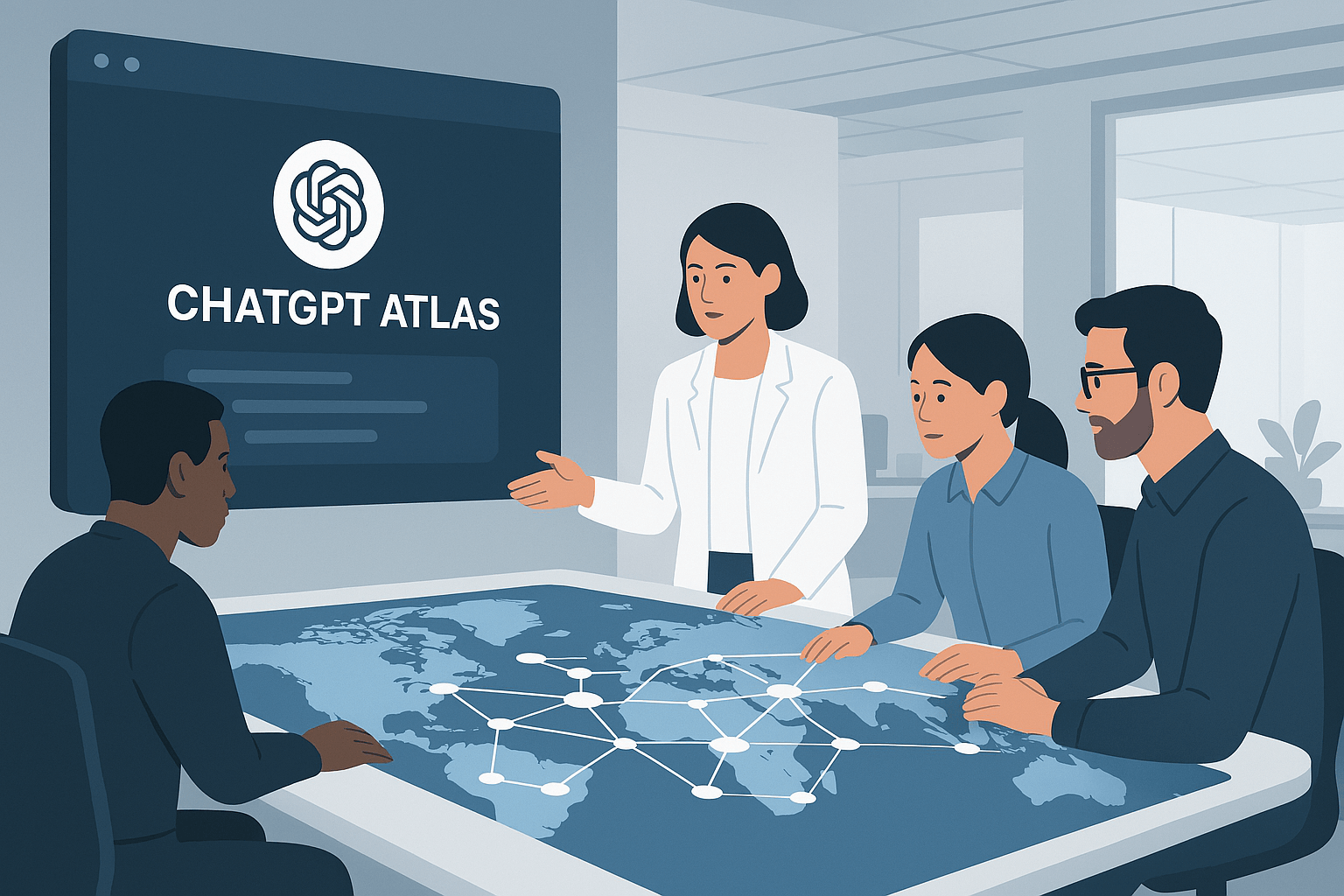
In October 2025, OpenAI unveiled ChatGPT Atlas—a revolutionary web browser that fundamentally reimagines how we interact with the internet. Unlike traditional browsers where AI is bolted on as an afterthought, Atlas is built with ChatGPT at its very core, transforming every browsing session into an intelligent conversation.
For startup founders juggling market research, competitor analysis, investor outreach, and product development across dozens of browser tabs, Atlas represents a paradigm shift. It's not just a browser with AI features—it's an AI-powered workspace that understands context, remembers your work, and can take action on your behalf.
Currently available on macOS with Windows, iOS, and Android versions coming soon, Atlas offers both free and premium tiers. The premium features, available to Plus, Pro, and Business subscribers, unlock the transformative Agent Mode that can autonomously complete multi-step tasks like booking appointments, planning research, and generating reports.
How ChatGPT Atlas Works: A Browser Built Around Intelligence
Atlas fundamentally restructures the browsing experience by placing ChatGPT's conversational AI at the center of every interaction. Rather than navigating through traditional search results, users engage in natural dialogue with an intelligent assistant that stays with them across every webpage and tab.
The architecture consists of three core innovations:
- Integrated ChatGPT Sidebar: A persistent AI assistant appears in every tab, allowing you to ask questions about the current page, summarize content, compare products, or analyze data without switching contexts.
- Browser Memories: Atlas optionally records which sites you visit and how you interact with them, creating a personalized knowledge base. It can recall research from previous sessions and suggest follow-up actions—like "Find all the job postings I was looking at last week and create a summary of industry trends".
- Agent Mode: Available to premium users, this feature allows ChatGPT to autonomously navigate websites, fill forms, extract data, and complete complex workflows—essentially giving you a virtual assistant that works within your browser.
Despite its revolutionary interface, Atlas is built on Chromium—the same open-source foundation powering Google Chrome and Microsoft Edge. This means users can install familiar Chrome extensions and import their bookmarks, passwords, and browsing history seamlessly.
Key Features That Transform Startup Workflows
Chat in Every Tab
The most immediate change founders will notice is the ability to interact with any webpage through natural conversation. Highlight text on a competitor's website and ask "What's their positioning strategy?" or "How does this compare to our approach?" Atlas analyzes the content in real-time and provides contextual insights.
Context-Aware Assistance
Atlas doesn't just respond to isolated queries—it understands your broader browsing context. If you're researching three potential market segments across multiple tabs, Atlas can synthesize information from all open pages to provide comprehensive comparisons without manual copy-pasting.
Memory and Personalization
Browser memories transform Atlas from a tool into a collaborative partner. It remembers your startup's focus, your research interests, and your workflow patterns. Users maintain complete control—memories are optional, visible in settings, and can be archived or deleted at any time. By default, browsing content is not used to train OpenAI's models unless you explicitly opt in.
Agent Mode: From Assistant to Actor
This is where Atlas becomes genuinely transformative for startups. In Agent Mode, ChatGPT can:
- Research competitors and compile analysis into structured reports
- Plan events, book reservations, and manage logistics
- Compare products across multiple websites and create decision matrices
- Draft documents, presentations, and investor briefs based on gathered research
- Fill out forms and applications using stored startup data
The agent operates in a sandboxed environment with built-in safeguards. Actions requiring authentication—like purchases or sensitive data access—require explicit user confirmation. Parents can disable agent mode for child accounts, and the feature remains clearly labeled as "Preview" as OpenAI continues refining its capabilities.
Practical Use Cases for Startups and Agencies
Market Research and Competitive Intelligence
Instead of manually compiling notes across dozens of tabs, founders can ask Atlas to analyze competitor websites, summarize industry reports, and identify emerging patterns. One agency reported reducing research time from hours to just 15-30 minutes by leveraging Atlas's ability to retrieve context across multiple browser tabs simultaneously.
Investor Outreach and CRM Management
Atlas can draft personalized cold emails based on LinkedIn profiles or investor websites, automatically extract key details from pitch responses, and even sync with CRM systems to flag startups that recently raised funding or changed leadership. This transforms what was once manual data entry into an automated intelligence layer.
Content Creation and Documentation
Marketing teams use Atlas to generate content summaries from competitor posts, create SEO-optimized outlines, and draft meeting notes or investor briefs—all while browsing relevant source material. The browser's memory ensures consistency across documents by recalling your brand voice and previous work.
Recruitment and Talent Screening
Founders can screen candidates by asking Atlas to summarize LinkedIn profiles, compare qualifications, and generate interview preparation notes—no copy-paste required. This is particularly valuable for early-stage startups where founders wear multiple hats.
Funding Applications and Form Automation
Agent Mode can autofill accelerator applications, grant forms, and investor questionnaires using stored startup data and memory features. This eliminates the repetitive manual work that consumes valuable founder time.
Real-World Success Stories
A mid-size creative agency implemented Atlas across their strategy, creative, and accounts teams. By building a central hub with brand-safe voice guides and department-specific workspaces, they reduced proposal turnaround from days to hours. New hires ramped in one week instead of a month because the browser's memory taught them the agency's voice from day one.
A fast-growing SaaS company used Atlas to consolidate scattered prompts and templates across engineering, product, and support teams. Within two quarters, they reduced duplicate workflows by more than half and cut incident response documentation from three hours to under one hour—while simultaneously improving audit compliance through automated logging.
Privacy, Security, and Control
OpenAI emphasizes that browser memories are completely optional and user-controlled. Users can view, archive, or delete memories at any time through settings. Incognito mode and site-specific memory toggles provide granular privacy control.
By default, Atlas does not use browsing content to train AI models. Users can opt in if they choose to contribute to model improvement, but this is not required. Agent Mode operates in a sandboxed environment with safeguards to prevent risky actions like running unauthorized code or downloading files without permission.
However, cybersecurity experts caution that AI browser agents inherently pose larger privacy risks than traditional browsers because they request significant access to email, calendars, and contact lists to be maximally useful. Users should carefully consider how much access they grant and whether the productivity benefits outweigh the privacy trade-offs for their specific use case.
The Competitive Landscape: AI Browser Wars Heat Up
Atlas enters an increasingly crowded field of AI-enhanced browsers. Perplexity launched its Comet browser in July 2025, and Google continues integrating Gemini AI across Chrome. However, ChatGPT's 800 million weekly users give Atlas a significant competitive advantage.
The strategic implications are profound. By controlling the browser, OpenAI positions ChatGPT as the default interface for internet queries—potentially challenging Google's 17-year dominance in web search. This represents more than incremental innovation; it's a fundamental shift in how users access and interact with online information.
Roadmap: What's Coming Next
OpenAI's head of Atlas, Adam Fry, has outlined several upcoming features:
- Multi-profile support for managing separate work and personal contexts
- Tab grouping for better organization
- Optional ad blocker functionality
- Expanded bookmarks menu and keyboard shortcuts
- Faster agent response times and more reliable pause functionality
- Better integration with Google Drive and cloud-based Excel
- Enhanced sidebar usability for switching projects and AI models
Most updates are expected to roll out within weeks, with some requiring additional development time
Conclusion: The Future of Work Is Conversational
ChatGPT Atlas represents a fundamental reimagining of the web browser—transforming it from a passive tool for accessing information into an active collaborative workspace that understands context, remembers your work, and takes action on your behalf.
For startups in 2025, this shift from searching to conversing, from manual research to automated intelligence, and from scattered tabs to unified workflows offers genuine competitive advantages. The browser no longer just displays websites—it helps you think, interpret, and execute faster than ever before.
While privacy considerations require careful evaluation, and Agent Mode remains in preview with acknowledged limitations, the trajectory is clear: AI-native interfaces that revolve around context and continuity will define the next generation of productivity tools.
Ready to transform how your startup works? Download ChatGPT Atlas at chatgpt.com/atlas and experience the future of intelligent browsing.
Have an innovative startup idea powered by AI? Share your vision on StartupIdeasAI.com to get discovered by investors and innovators.